Checking the DNS configuration
To check the current DNS configuration of a domain, proceed as follows:
-
Go to Configuration > Domain management.
-
Select the domain you want to check.
-
Click Show DNS configuration.
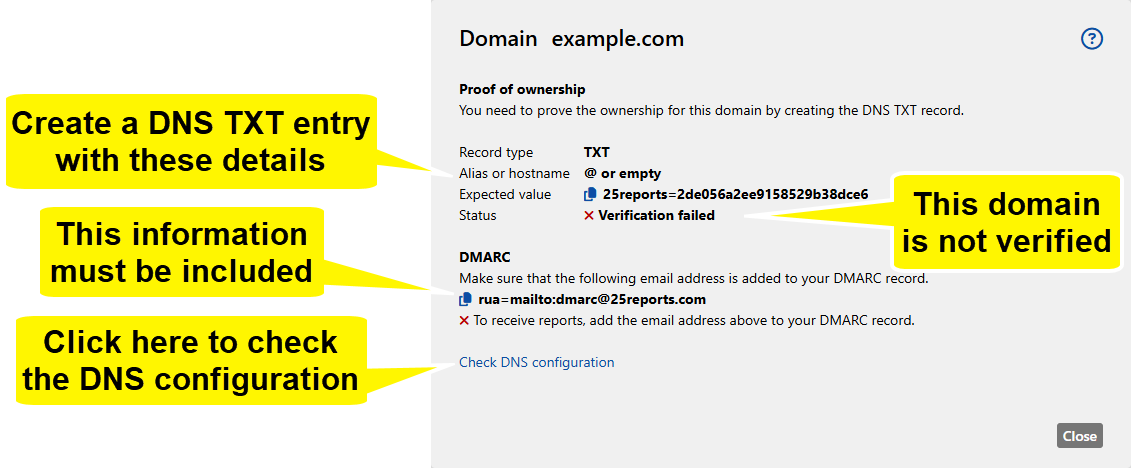
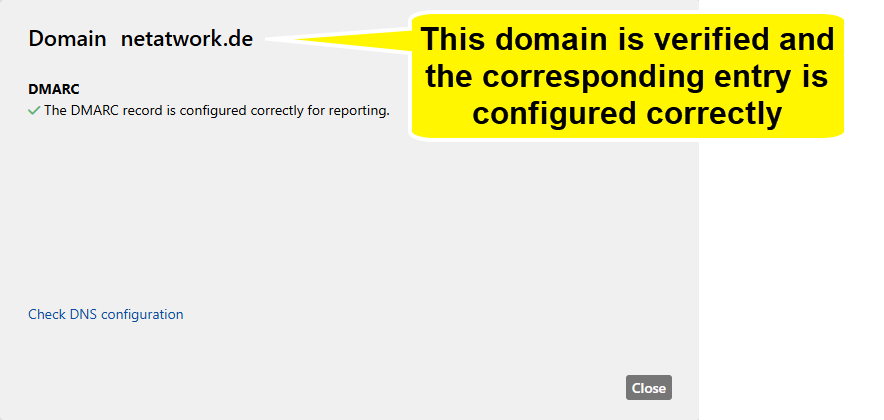
NOTE: Make sure that the following email address is configured as a value in the rua field of the DMARC entry: mailto:dmarc@25reports.com. Otherwise you will not be able to receive any reports.